Wedding Card Generator
Create a beautiful Wedding Card Generator online with personalized names, wedding details, invitation wording and elegant design themes. Customize your wedding card message, choose a style and preview your invitation instantly before printing or sharing it.
💌 Customize Your Wedding Card
&
Alexander
What Is a Wedding Card Generator?
A Wedding Card Generator is an online tool that helps couples create a personalized Wedding Card without starting from a blank design. Instead of spending hours using graphic design software, you can enter your wedding details and see them displayed in an elegant invitation.
Our free online tool combines decorative flowers, romantic typography, wedding ornaments, customizable wording and several visual themes. You can add the bride’s name, groom’s name, wedding date, time, venue, location and a personal wedding card message.
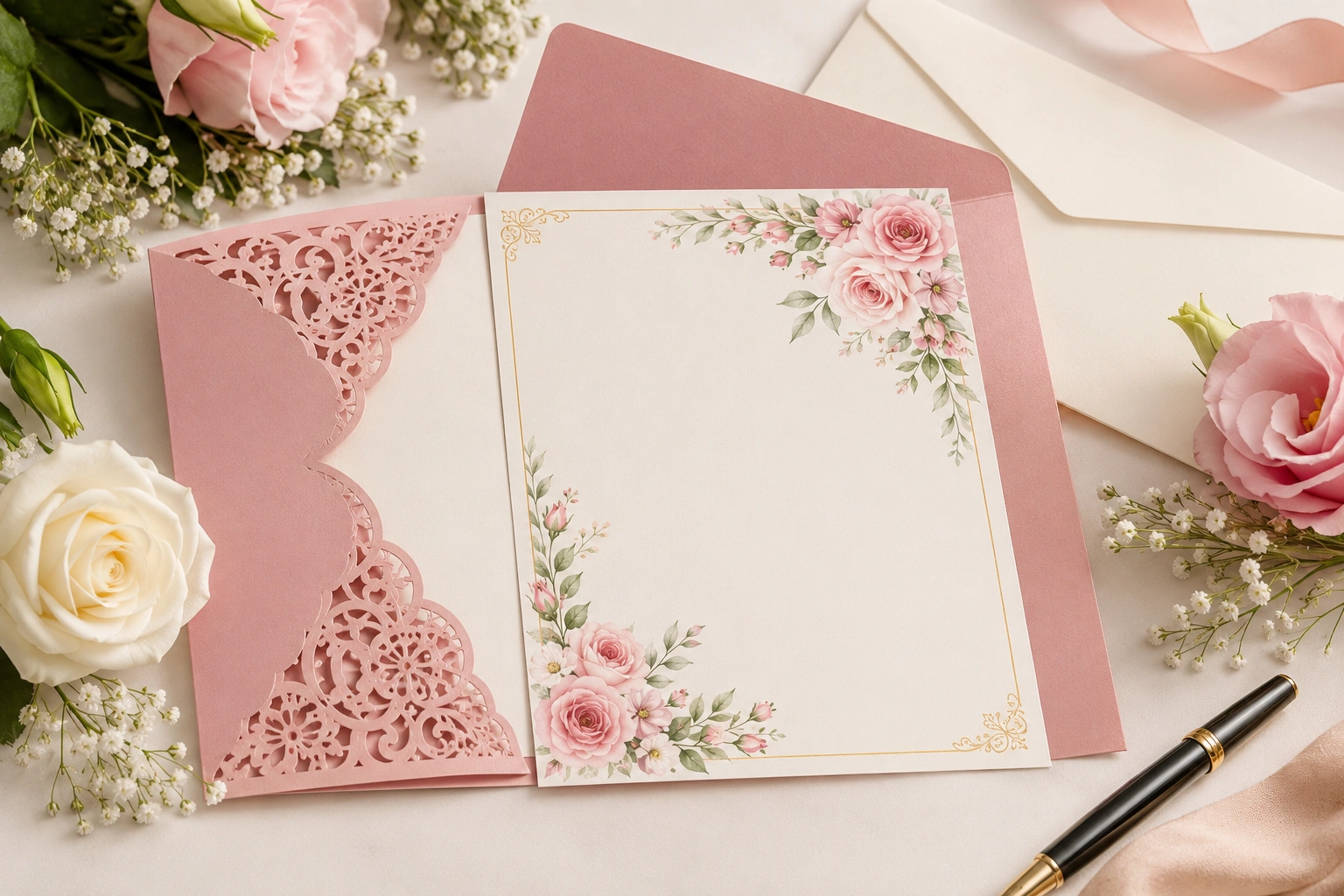
The live preview makes it easy to experiment with different designs before printing or sharing your final card. You can also explore our Wedding Invitation Generator for another way to create wedding invitation content.
Customize Wedding Card Generator
The Customize Wedding Card Generator lets you change the most important invitation details while seeing the result instantly. Add the couple’s names, wedding details and preferred message, then choose a design that matches your celebration.
Add the Couple’s Names
Enter the bride’s and groom’s names first. The names appear prominently in the invitation preview using an elegant script style.
Add Wedding Details
Enter the wedding date, time, venue and city or location so guests can quickly understand the most important details of the celebration.
Write a Wedding Card Message
Your wedding card message can be romantic, traditional, simple or playful. Choose wording that matches your relationship with your guests and the tone of the event.
Wedding Card Invitation Wordings
Useful wedding card invitation wordings should communicate the joy of the occasion while making the essential event details easy to understand. Formal and informal invitations can use different wording depending on the style of the celebration.
For traditional guidance on wedding cards invitation wording, Emily Post explains the information commonly included on wedding invitations and provides examples of formal and informal wording. Read the Emily Post wedding invitation wording guide .
Traditional Wedding Card Message
“With joyful hearts, we invite you to join us as we celebrate the beginning of our married life. Your presence would make our special day even more meaningful.”
Romantic Wedding Card Message Ideas
“Two hearts, one beautiful journey and a lifetime of memories await us. We would be delighted to have you celebrate our love with us.”
Simple Wedding Card Invitation Wording
“Please join us as we celebrate our wedding day. We would love to share this special moment with you.”
Funny Wedding Cards
Funny wedding cards can use playful wording while keeping the important event details clear. A short humorous line can make the invitation feel relaxed and personal.
Wedding Card Message Ideas & Wishes
wedding card message ideas can be short and heartfelt or more personal and emotional. Choose words that feel natural for your relationship with the couple.
Wedding Card Wishes
wedding card wishes can include simple congratulations, warm wishes for married life or a personal note that reflects your relationship with the couple.
- Wishing you a lifetime of love and happiness.
- May your marriage be filled with beautiful memories.
- Congratulations on beginning this wonderful journey together.
- Wishing you many happy years ahead.
- May your wedding day be the start of a beautiful adventure.
Wedding Invitation Card Generator
A Wedding Invitation Card Generator helps couples create an invitation quickly while controlling names, date, wording and design. Instead of displaying plain text, the result can include decorative flowers, elegant typography and a finished card layout.
You can also explore our Wedding Hashtag Generator , Wedding Countdown and Wedding Guest List Planner for additional wedding planning tools.
Wedding Card Design Free
A wedding card design free option can be useful when you want to experiment with different styles before choosing a final printed invitation. Online tools make it easier to test wording, colors and layouts without installing specialized design software.
Floral Wedding Cards
Floral wedding cards work well for romantic, garden and spring celebrations. Flowers, leaves and soft colors can create a warm and elegant appearance.
Islamic Wedding Cards
islamic wedding cards can combine elegant typography with respectful wording and decorative details that match the couple’s preferences and celebration style.
Funny Wedding Cards
funny wedding cards can use playful wording while keeping the date, venue and other important details clear.
Wedding Shower Card
A wedding shower card usually celebrates the bride-to-be or couple before the wedding. The wording can be warm, encouraging and personal.
Wedding Shower Card What to Write
If you are searching for wedding shower card what to write, keep the message sincere and appropriate for your relationship. You can congratulate the bride, share a warm wish for married life or write a short personal note.
- Wishing you love, laughter and wonderful memories ahead.
- So happy to celebrate this special chapter with you.
- Wishing you a lifetime filled with happiness and love.
- May this celebration be the beginning of a beautiful wedding journey.
Wedding Details Card
A wedding details card provides additional information that may not fit naturally on the main invitation. Depending on the event, it can include reception information, dress code, RSVP details, accommodation information, travel guidance or a wedding website.
What Should Be Included on a Wedding Card?
The exact details depend on your event, but a Wedding Card should make the essential information easy for guests to find.
- Bride’s name
- Groom’s name
- Wedding date
- Wedding time
- Ceremony location
- Reception location
- City and venue information
- Invitation message
- Dress code, if applicable
- RSVP information
- Additional wedding details
Wedding Card Design Tips
Choose Readable Fonts
Fancy script fonts can look beautiful for names and decorative headings, but important wedding details should remain easy to read. Combining a decorative script with a classic serif font can create a balanced design.
Use a Consistent Color Palette
Gold, blush pink, cream, lavender, white and soft neutral colors can create an elegant invitation when they complement the overall wedding theme.
Do Not Overcrowd the Card
A wedding card should have enough space around important information. Too many decorations or too much text can make the invitation difficult to read.
Make Important Details Stand Out
The couple’s names, wedding date, time and venue should be easy to find. Decorative elements should enhance the information rather than hide it.
Wedding Card Ideas for Different Styles
- Garden Wedding: Floral designs, soft colors and botanical decorations.
- Classic Wedding: Gold accents, elegant serif fonts and traditional wording.
- Romantic Wedding: Flowers, hearts, soft pink shades and script typography.
- Luxury Wedding: Gold details, sophisticated typography and refined layouts.
- Vintage Wedding: Warm neutral colors, classic ornaments and vintage-inspired typography.
- Modern Wedding: Minimal decoration, clean spacing and contemporary wording.
Frequently Asked Questions About Wedding Card Generator
What is a Wedding Card Generator?
A Wedding Card Generator is an online tool that helps couples create a personalized wedding card by entering names, wedding date, time, venue, location and invitation wording.
Can I create a wedding card online for free?
Yes. This free online Wedding Card Generator lets you create and customize a card directly in your browser.
Can I customize the wedding card?
Yes. The Customize Wedding Card Generator lets you change the bride’s and groom’s names, wedding date, time, venue, location, message and visual theme.
What should I write in a wedding card?
You can use traditional, romantic, simple or funny wording depending on your relationship with the couple and the tone of the celebration.
What should I write in a wedding shower card?
A wedding shower card can include a warm congratulation, a personal message, a wish for married life or a short note celebrating the bride-to-be.
What information should a wedding invitation include?
Most invitations should clearly communicate the couple’s names, date, time and location, with RSVP or other details when appropriate.
Can I create Islamic wedding cards?
Yes. You can customize the wording and visual design to suit an Islamic wedding celebration.
Can I make funny wedding cards?
Yes. You can use playful wording while keeping the important event details clear.
Can I print my wedding card?
Yes. Use the Print / Save Invitation button and your browser’s print dialog can provide an option to save the card as a PDF.
Create Your Beautiful Wedding Card
Your wedding card is more than a simple announcement. It gives guests their first glimpse of the celebration you are planning. Whether you prefer a romantic floral style, classic gold invitation, luxury design or simple modern card, thoughtful wording and balanced typography can make the final design feel personal and memorable.
Use the Wedding Invitation Card Generator above to enter your wedding details, experiment with different themes and create your own wedding card online.